How this site is put together
One page. A sticky identity spine on the left, content bands on the right, a putting green at the foot. No theme — the files below are the whole site.
index.md                   opening paragraphs + the service line
_data/research.yml         research interests
_data/teaching.yml         teaching appointments
_publications/*.md         one file per paper (selected = numbered ref,
                           featured = full entry too)
_layouts/spine.html        the page
_includes/site/spine.html  the left column
_includes/site/green.html  the putting green
_includes/site/icon.html   inline SVG icons, looked up by name
assets/css/site.css        every style on the site
assets/js/green.js         the putt
images/papers/*            one thumbnail per paper
Adding a paper
Drop a file in _publications/, named YYYY-MM-DD-slug.md. The date only
controls the order — newest first — so use the preprint date.
---
title: "Paper Title"
date: 2026-02-14
key: slug                               # the citation handle, see below
link: https://arxiv.org/abs/...         # where a citation number points
venue: "NeurIPS 2026 · Spotlight"      # shown small and plum above the title
authors: "<b>Steffi Chern</b>, A Coauthor, B Coauthor"   # <b> your own name
image: /images/papers/slug.svg          # optional, see below
selected: true                          # include it in the numbered refs
featured: true                          # and show it under Selected publications
links:
  - { label: Paper, url: https://arxiv.org/abs/..., icon: paper }
  - { label: Code,  url: https://github.com/...,    icon: code  }
  - { label: Site,  url: https://...,               icon: site  }
---
icon: accepts paper, code, site. A paper with no image gets a plain
tinted tile, so the column never breaks.
The thumbnails
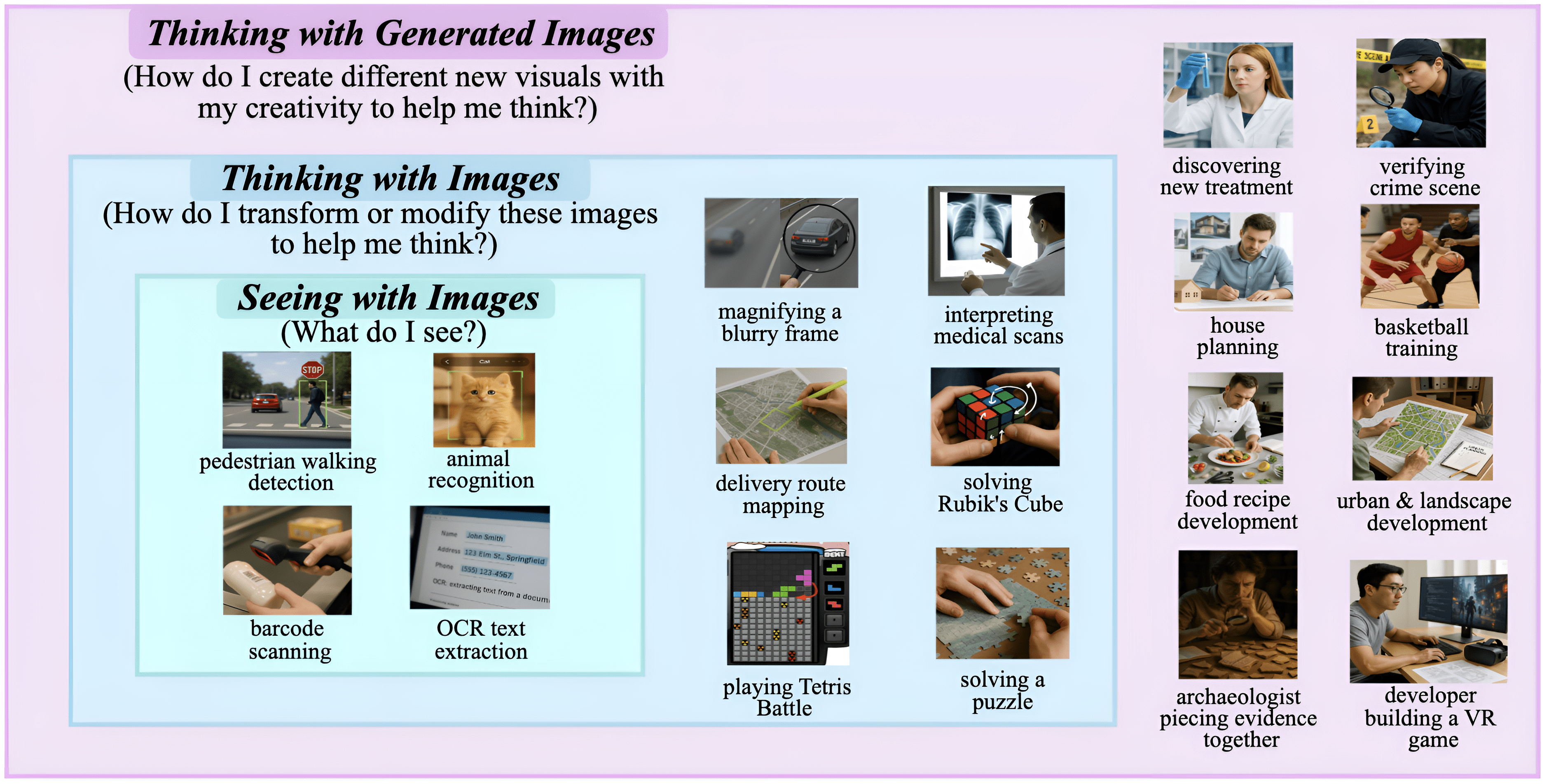
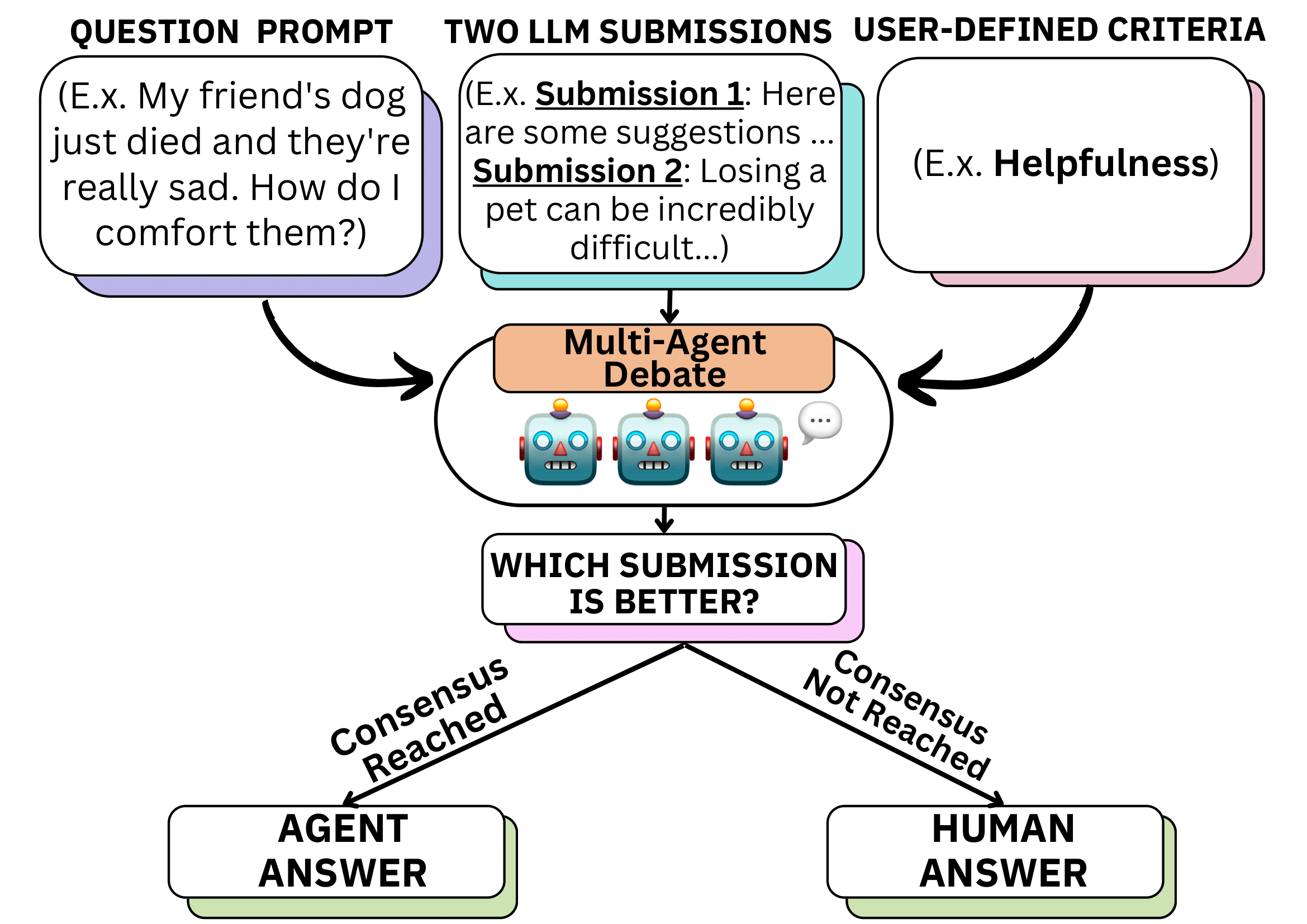
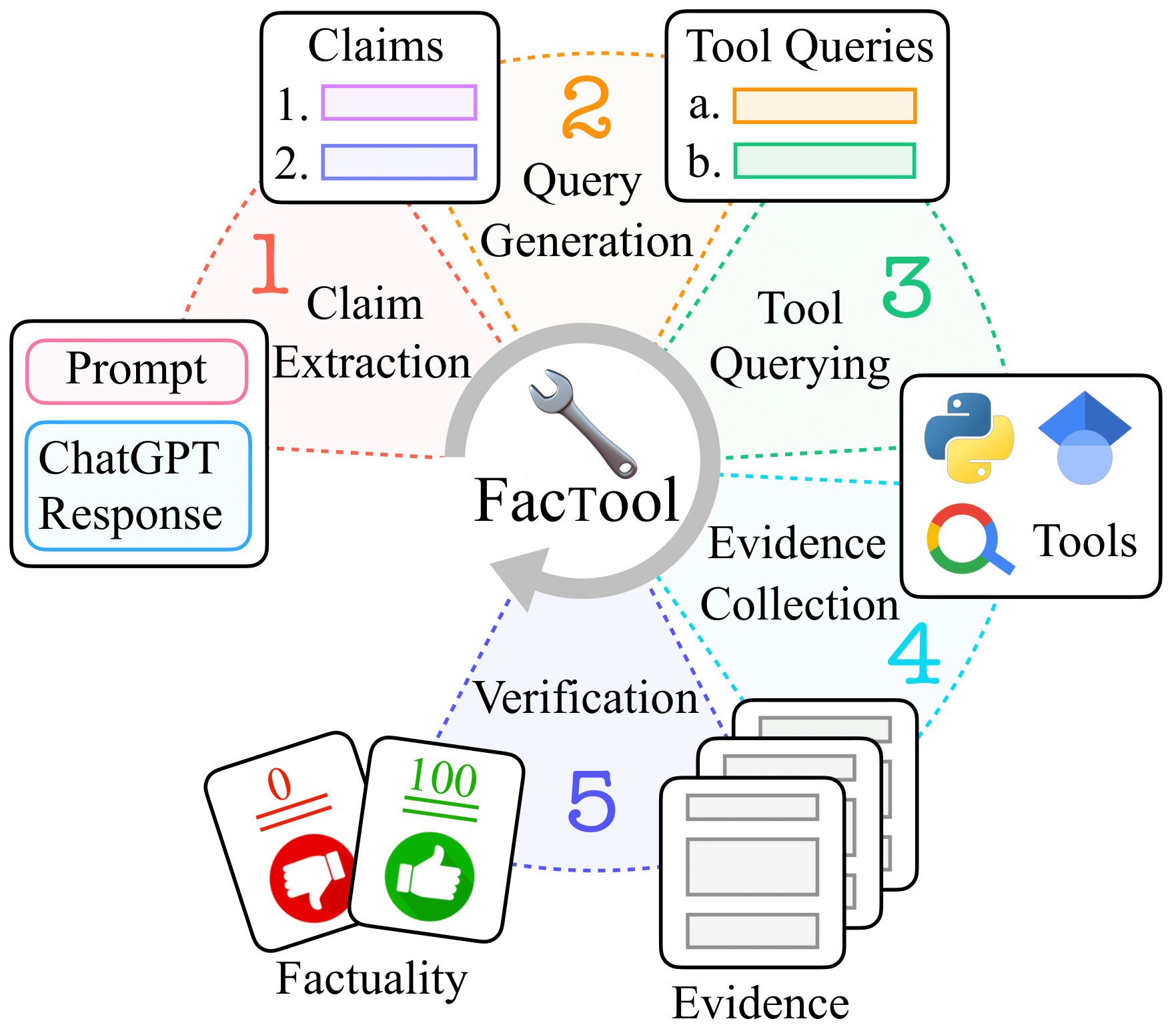
images/papers/ currently holds placeholder marks I drew — they are not
figures from the papers. Replace each one with a 4:3 crop of that paper’s
Figure 1, about 420×315, and point image: at it. That reads far better than
an abstract mark.
Changing the rest
- Name, role, location, links, photo → the
author:block in_config.yml - Research →
_data/research.yml, onebody:per paragraph (currently a single sentence that carries its own 🧠 lead-in). Cite a paper inside a sentence by writing[[id]], whereidis theid:of a file in_publications/— it renders as a linked [3] right there, so each clause can point at the work it describes. The numbers are handed out in the order the citations appear in the text, so rewriting or reordering the sentence renumbers everything and they always climb as you read. A paper withselected: falsecannot be cited - Teaching →
_data/teaching.yml(newest first) - Reviewing line, the publications lead-in → front matter in
index.md
The old template
The academicpages files are still on disk but every one of them is listed under
exclude: in _config.yml, so none of it is built or published — no
placeholder papers, no sample blog posts, no /cv/ or /talks/ pages. Delete
those directories whenever you want; just drop the matching lines from
exclude: when you do.
Running it locally
bundle install
bundle exec jekyll serve
Two names you cannot use in a paper’s front matter
key: and link: are spelled that way on purpose. Jekyll defines id and
url on every collection document, and those definitions win over front
matter, so a paper written with id: and url: hands Liquid the document’s
own path instead — the citations silently stop resolving and [[slug]] shows
up as literal text on the page.
Research
Selected publications
Teaching
-
Fall 2026
Teaching Assistant, Mathematics for Machine Learning
University of Pennsylvania -
Spring 2024
Teaching Assistant, Advanced Methods for Data Analysis
Carnegie Mellon University -
Fall 2023
Teaching Assistant, Probability Theory
Carnegie Mellon University